Ad Campaign Management

One Dashboard for Every Campaign

One Dashboard for Every Campaign

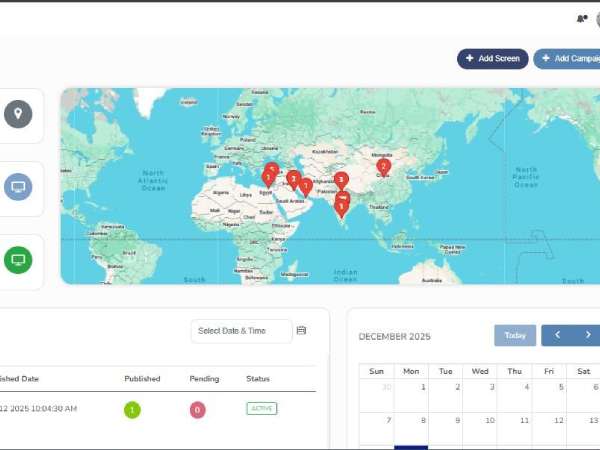
  • Single dashboard across locations and screens.
  • Smart Vehicle Assignment: Schedule and deploy campaigns in minutes.
  • Track screen status and playback logs.
  • Measure impressions and audience engagement.
  • Role-based access for teams and agencies.
  • Integrate with existing business tools.

Solutions

Create & Manage Campaigns

Simplify Campaign Creation with Smart Tools

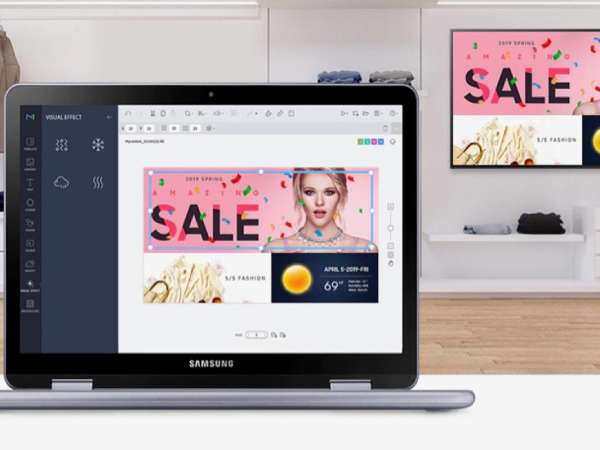
  • Smart Creative Assembly: Create and manage multiple advertising campaigns effortlessly through one centralized dashboard.
  • Upload images, videos, and HTML creatives to deliver engaging digital signage experiences.
  • Streamline campaign approvals, organize content, and apply targeting rules for consistent brand messaging.
Create Manage Campaigns

Target Screens & Locations

Reach the Right Audience at Every Location

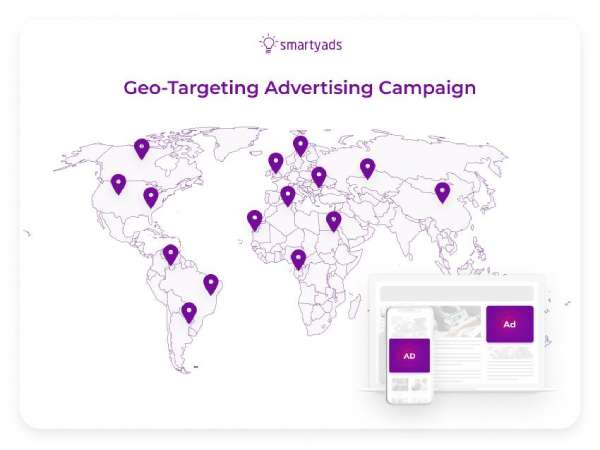
  • Select advertising screens based on geographic regions, store locations, and audience preferences.
  • Deliver location-specific campaigns to maximize advertising relevance and improve audience engagement.
  • Manage campaign distribution across multiple locations with centralized control and real-time visibility.

Schedule Campaigns Precisely

Deliver the Right Content at the Right Time

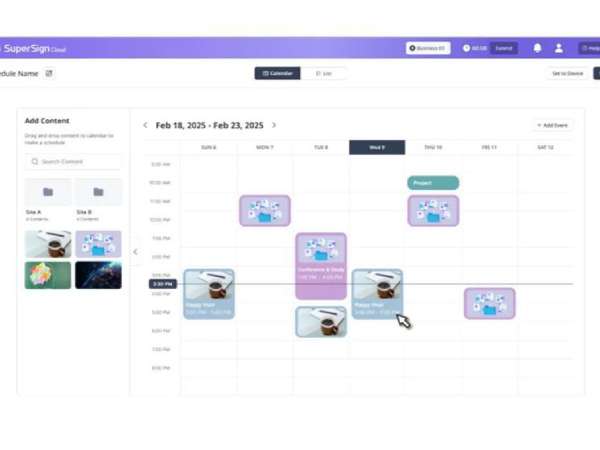
  • Schedule advertising campaigns using specific dates, time slots, and recurring delivery rules.
  • Apply dayparting strategies to display relevant advertisements during peak audience hours.
  • Customize campaign schedules across locations to align with regional promotions and business requirements.
Schedule Campaigns Precisely
Measure Campaign Performance

Measure Campaign Performance

Turn Campaign Data into Actionable Insights

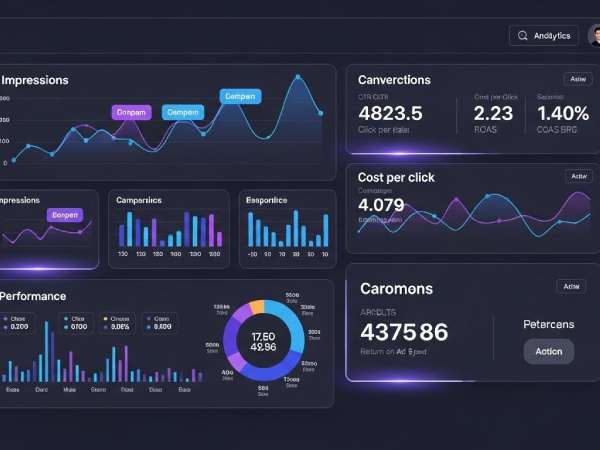
  • Monitor campaign impressions, content playback, and audience engagement through detailed analytics.
  • Track campaign performance indicators in real time across multiple screens and locations.
  • Generate comprehensive reports to evaluate campaign effectiveness and improve future advertising strategies.

Features

How it Works?

process arrow 2 1 new2
Define Your Goals01

Define Your Goals

Set clear objectives for your campaign.

process arrow 2 1 new2
Upload Your Content02

Upload Your Content

Upload images, videos, or use templates.

process arrow 2 1 new2
Schedule & Deploy03

Schedule & Deploy

Choose screens, locations, and time slots.

Monitor & Optimize04

Monitor & Optimize

Track performance and optimize for better results.

Use Cases

Retail

Retail

  • Target Local Shoppers
  • Boost In-Store Sales
  • Improve Shopping Experience

QSR / Restaurants

QSR / Restaurants

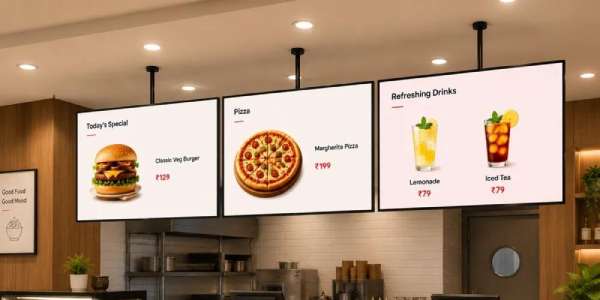
  • Display Menus & Offers
  • Update Promotions Instantly
  • Drive Customer Engagement

Corporate

Corporate

  • Share Internal Communications
  • Promote Brand Messaging
  • Guide Visitors Easily

Education

Education

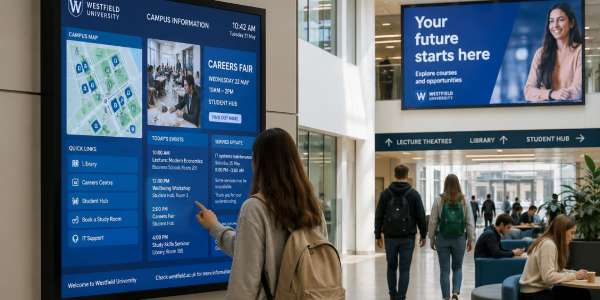
  • Share Campus Announcements
  • romote Events & Programs
  • Inform Students & Staff

Healthcare

Healthcare

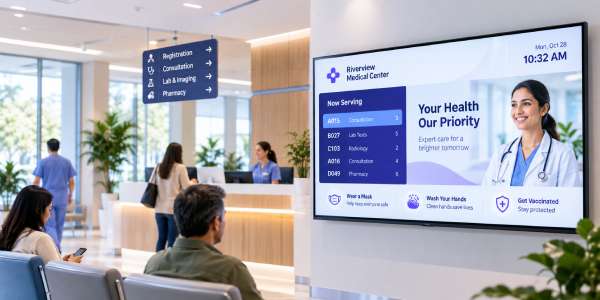
  • Share Health Information
  • Display Service Updates
  • Promote Wellness Programs

Hospitality

Hospitality

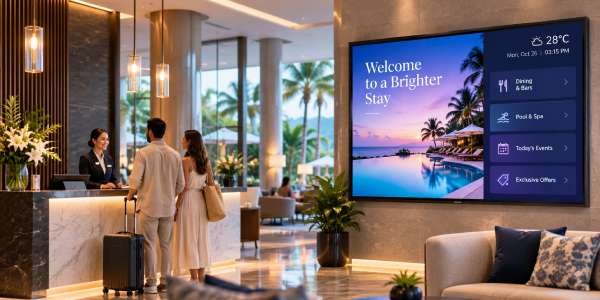
  • Promote Services & Offers
  • Share Guest Information
  • Enhance Guest Experience
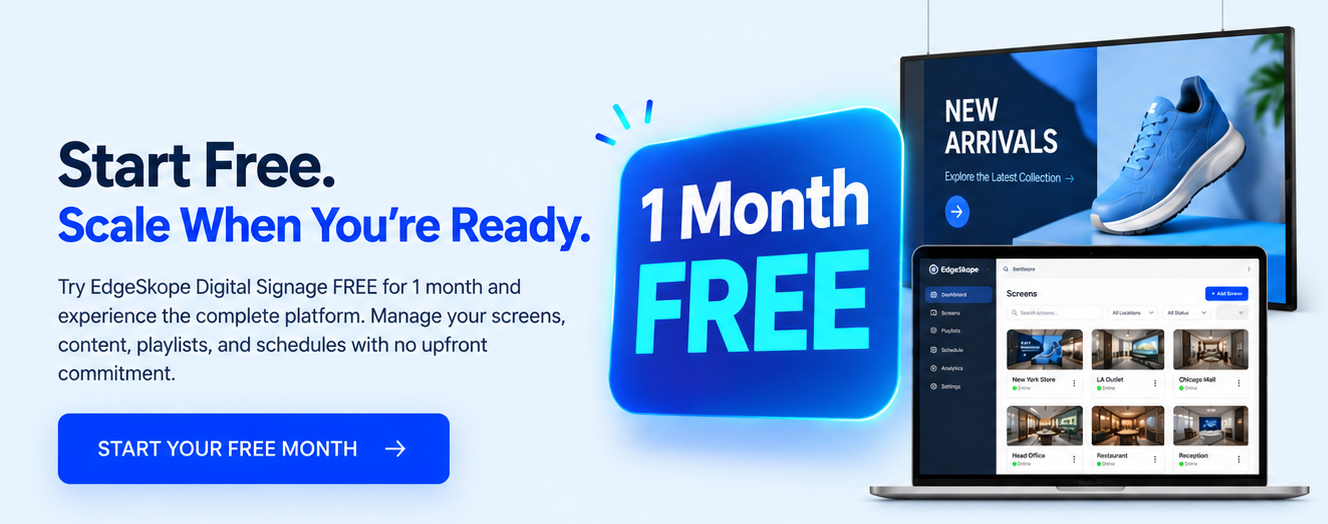
1 Month Free

FAQ

AI Ad Campaign Management – FAQ

What is a digital signage campaign management platform?

A digital signage campaign management platform helps businesses create, schedule, deploy, and monitor advertising content across multiple screens and locations from one centralized dashboard.

How does digital signage campaign management work?

Users upload advertising content, select target screens or locations, configure schedules, and launch campaigns. The platform manages content delivery, monitors screen activity, and provides performance insights.

Can I manage multiple screens and locations?

Yes. EdgeSkope allows businesses to manage multiple screens across stores, offices, cities, and regions through one centralized dashboard.

What types of content can I display?

The platform supports images, videos, HTML content, promotional advertisements, digital menus, announcements, and compatible live data sources.

Does the platform provide analytics and reports?

Yes. EdgeSkope provides campaign monitoring, playback reports, screen status, and available audience engagement metrics to help businesses evaluate advertising performance.

Is it suitable for small businesses?

Yes. EdgeSkope supports businesses of all sizes, from individual stores with a single screen to enterprises managing multiple locations and advertising networks.

How much does it cost?

Pricing depends on the number of screens, selected features, and deployment requirements. Contact our sales team for pricing details and a free trial.

<< 1 >>